Is Primavera more than I need? Contributor Laura Nee, Simplex President/CEO, shares her insight.
Consulting on Primavera solutions over the past fifteen years, I have worked with some customers who now truly leverage the Primavera products. Clients like Westinghouse, Ansaldo STS, and FirstEnergy require a robust system like Primavera, and hire teams of planner/schedulers to support the complex projects that make up their business. I have also seen many General Contractors involved with commercial construction projects, who are using a scheduling tool like Primavera only because they are contractually obligated to do so. They aren’t using it to manage their business as a whole. Why not?
Some answers I hear are: ‘Primavera is too complicated to use.’ ‘It offers more functionality than we need.’ ‘It requires a highly paid professional planner/scheduler to input and manage the data.’ ‘It costs too much.’ ‘It’s too hard to install.’ And the list goes on.
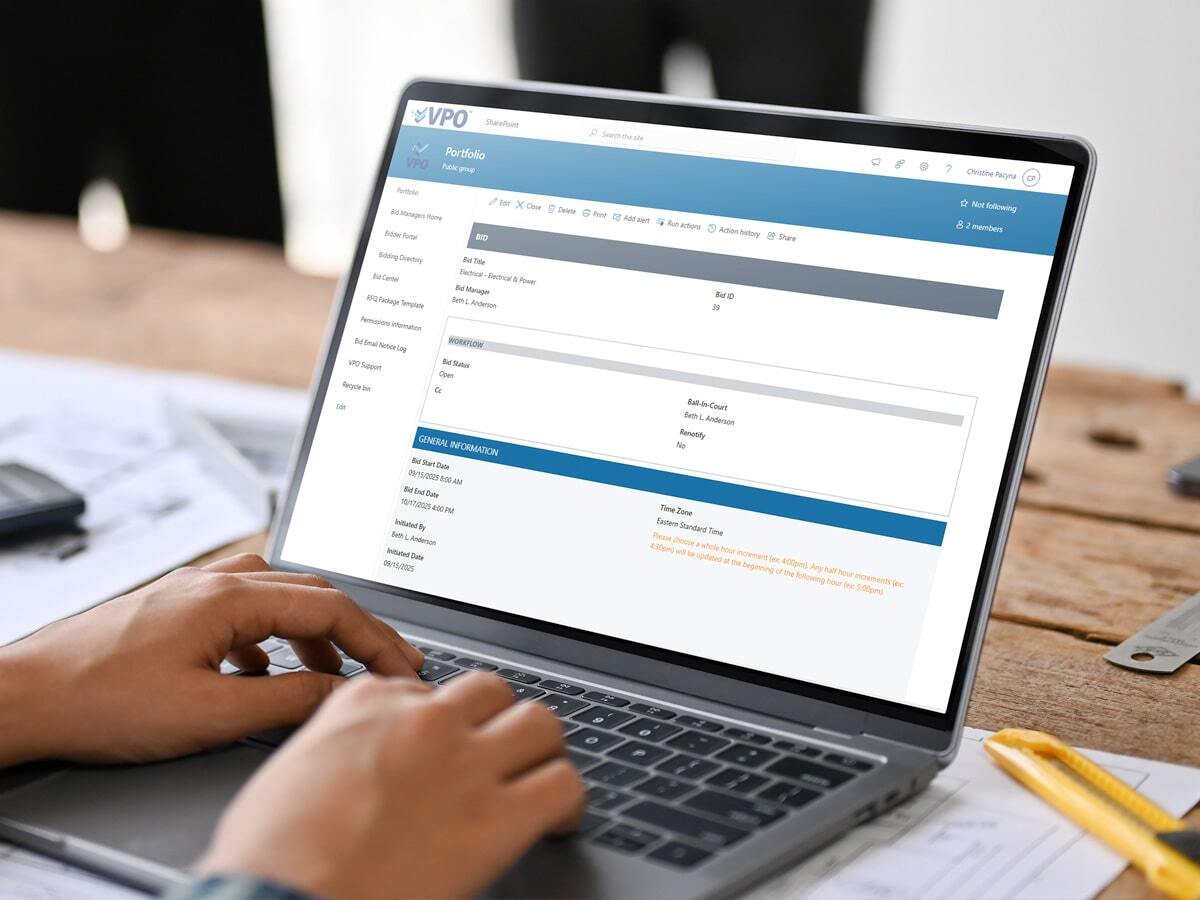
Now that we’ve developed our Online Project Management solution, Virtual Project Office (VPO), it’s refreshing to be able to offer our customers a tool which is easy to use, yet powerful enough for managing an entire portfolio of projects—and requires no difficult installation. And we’re pleased to bundle a new version of—wait for it—Microsoft Project with our VPO offering! It’s a tool called Project Online, and it’s a completely cloud-based Portfolio Management application that offers true visibility across all of the projects within your organization. Using just a Web browser, you can create, update, and maintain projects. If you want to manage a project using a more robust editing tool, then you can check out the project and edit it on your desktop, using Microsoft Project Professional, and when you’re finished with your edits, it synchronizes the information with Project Online so that everyone has the latest real-time information. So while all of your team members are perusing the project site for the supporting project documents like drawings, specifications, change orders, and more, they can simply click a link that takes them to a Web version of the schedule, to see the latest updates.
I won’t even mention the other features it provides—like resource management, timesheets, and powerful dashboard reporting using familiar tools like Excel! Well okay, I had to mention that. I’m very excited about this new offering of VPO that includes Project Online—for our customers who don’t require a robust and complex tool like Primavera!